iOS 18.4: Apple Intelligence Powers Priority Notifications
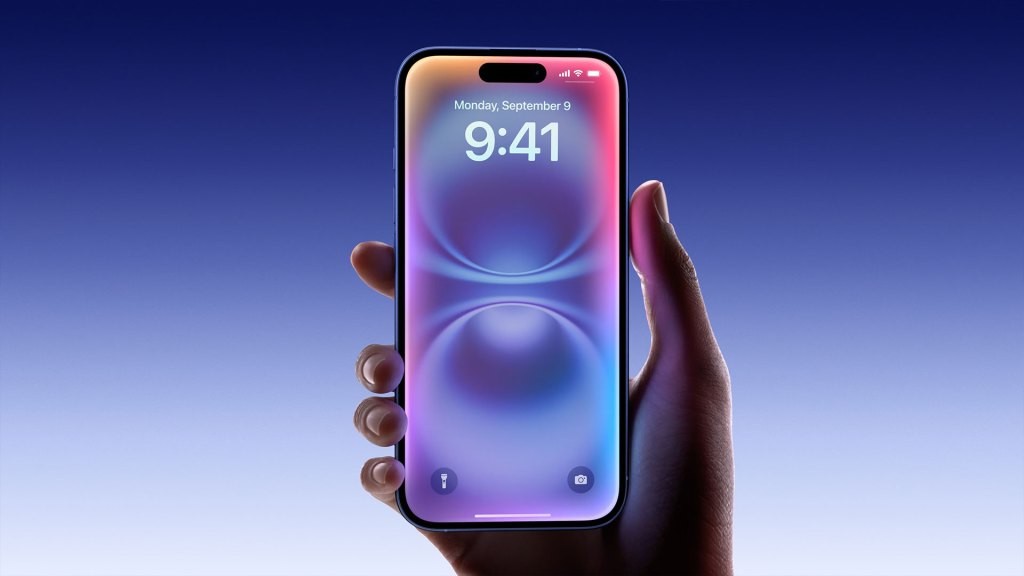
iOS 18.4 Beta Introduces Prioritized Notifications
Apple has released the initial developer beta for iOS 18.4 on Friday. This update introduces a new feature called “Priority Notifications,” leveraging the capabilities of Apple Intelligence.
The primary goal of this addition is to enhance notification management. It aims to help users focus on crucial alerts while reducing interruptions from less significant notifications.
How Priority Notifications Work
Priority Notifications are presented in a dedicated area on the iPhone’s Lock Screen. Apple Intelligence determines which notifications are deemed important enough for this section.
Users retain full control, however, and can access all notifications by swiping upwards.
Traditionally, the iPhone organizes notifications based on chronological order, displaying the newest alerts first.
With the new system, important notifications will take precedence, appearing at the top even if they were received earlier than other alerts.
Enabling Priority Notifications
According to reports from 9to5Mac, Priority Notifications is initially disabled.
To activate the feature, navigate to the Settings app, select “Notifications,” and then open the “Prioritize Notifications” section. A toggle switch allows you to enable the functionality.
Apple Intelligence and visionOS 2.4
Apple also announced that Apple Intelligence will be integrated into the Vision Pro with the release of visionOS 2.4.
A developer beta of this software is currently available, with a public release scheduled for April.
New Features in Apple News+
Furthermore, the company unveiled Apple News+ Food, a forthcoming section within the Apple News+ service.
This new section will enable users to search for and save recipes sourced from a wide range of existing News+ publishing partners.
Related Posts

ChatGPT Launches App Store for Developers

Pickle Robot Appoints Tesla Veteran as First CFO

Peripheral Labs: Self-Driving Car Sensors Enhance Sports Fan Experience

Luma AI: Generate Videos from Start and End Frames
Alexa+ Adds AI to Ring Doorbells - Amazon's New Feature